Bluetooth. Are your earbuds or your car still connected? Then the sound goes there. Turn Bluetooth off for a moment and call again.
Case and screen protector. Check that the openings for the microphone and speakers are clear. A case that does not quite fit easily covers them.
Dirt. Shine a light into the grilles. Gently remove dust with a dry, soft toothbrush. Do not use a needle, compressed air or water.
Restart and update. A restart and the latest update often fix sound glitches.
Test which part it is
Your phone usually has a few microphones and two speakers: the earpiece at the top, which you hear the other person through when you hold the phone to your ear, and the loudspeaker at the bottom.
Record a voice memo and play it back. If the recording sounds dull or crackly, the microphone at the bottom is probably the problem.
Film yourself with the front and the rear camera. If one of the two videos sounds bad, the problem is in the microphone near that camera.
Call with the loudspeaker on. If you then hear the other person well, but not through the earpiece, the earpiece is dirty or broken.
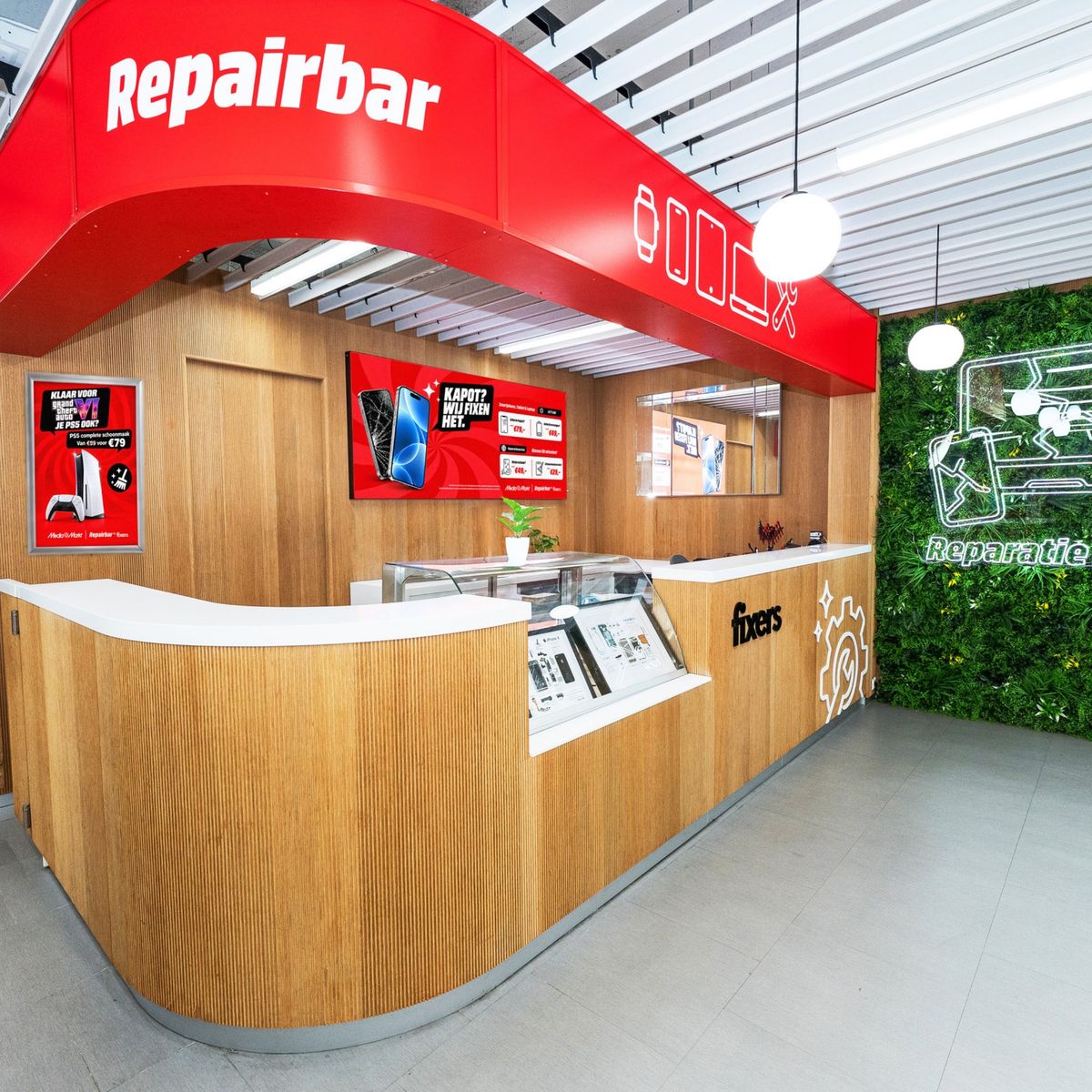
At the Repairbar we first clean the grilles, speakers and microphones thoroughly with the cleaning service. If a part is really broken, we replace it.
Yes. After moisture a speaker often sounds dull or crackly. Sometimes that improves as it dries. If it stays, have it checked. Also read Phone got wet.
How long does replacing a speaker or microphone take?
For most phones you are done within an hour if the part is in stock.
Let the Repairbar fix it
Choose your device and repair and see the price straight away. Fixers technicians repair it in the MediaMarkt store. You pay after the repair at the checkout.