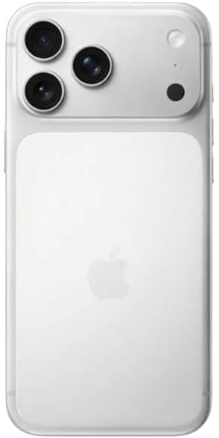


iPhone and iPad
Go to Settings › [your name] › iCloud › iCloud Backup and tap Back Up Now. Not enough iCloud storage? Then back up to your computer, with Finder on a Mac or with the Apple Devices app or iTunes on Windows.
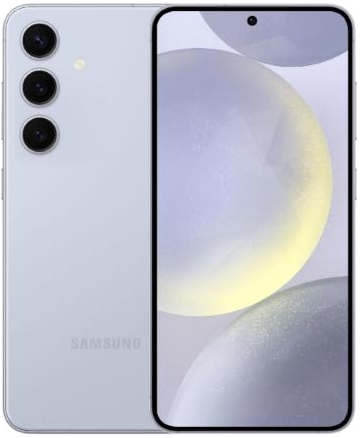
Samsung Galaxy
Go to Settings › Accounts and backup. Choose Back up data for Samsung Cloud, or back up with your Google account.
Other Android phones
Go to Settings › Google › Backup, or Settings › System › Backup, and tap Back up now.
Laptop
Put your important files on an external drive or USB stick, or in the cloud such as OneDrive, iCloud Drive or Google Drive. On a Mac you can use Time Machine.
Do you know your passcode?
Make sure you know your passcode. Without it the technician cannot test your device properly after the repair. Then the warranty only covers the part we fitted.
Device no longer turns on? Then a backup is not possible anymore. Bring it in, the technician will see what can still be done.