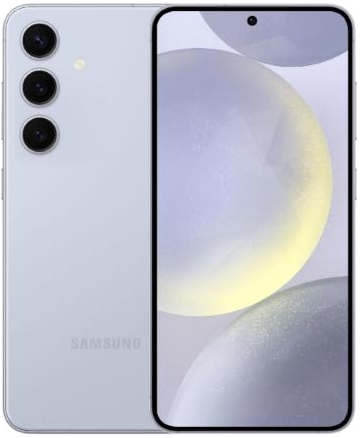
A Galaxy S has an OLED screen. Each pixel gives off its own light, controlled by wafer-thin connections. If one connection breaks, a whole row of pixels stays on. You see that as a green, pink or white line. It can happen after a drop or pressure on the screen, but also without an obvious reason.
Check this first
Restart your phone.
Update the software via Settings › Software update.
Take a screenshot and look at it on another phone or computer. If the line is not in the screenshot, the problem is in the screen itself and not in the software.
If the line stays, it will not go away by itself. Sometimes it stays at one line, sometimes more appear or the touch stops working in that spot. A new screen fixes it.
Starting prices including VAT, for an original Samsung screen. All Galaxy S models
Original Samsung screen
For the Galaxy S series we use original Samsung screens, often together with the middle frame. Colours, brightness and the in-screen fingerprint scanner then work as they did from the factory. Read more about the repair in Samsung screen replacement.
Is your Galaxy still fairly new? Then first check with Samsung whether your device is still under the manufacturer's warranty.
Frequently asked questions
Is a green line dangerous?
No, it is a fault in the screen. You can keep using your phone. Do make regular backups, in case more of the screen fails.
Does a factory reset remove the line?
No. If the line is not in a screenshot, it is in the screen. A reset only erases your data.
How long does the repair take?
Often within 30 minutes, if the screen is in stock. When you book, you hear how long it takes.
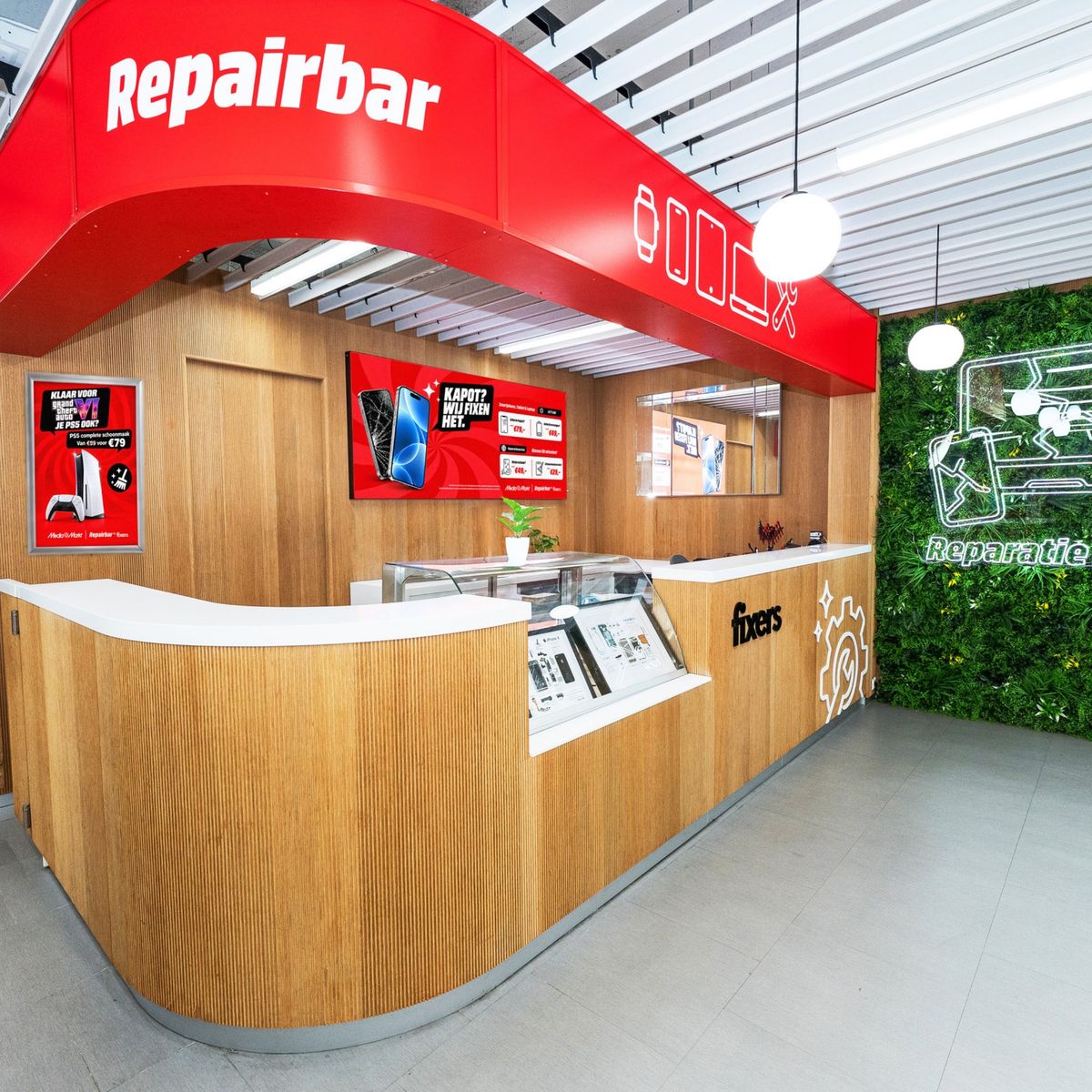
Let the Repairbar fix it
Choose your device and repair and see the price straight away. Fixers technicians repair it in the MediaMarkt store. You pay after the repair at the checkout.