Unplug the charger and switch your MacBook off. If it does not respond, hold the power button until it turns off.
Remove anything plugged in, such as USB sticks and cables.
Pat the keyboard and edges dry with a cloth. Do not rub.
Place your MacBook open and upside down, like a tent, so moisture runs out instead of in.
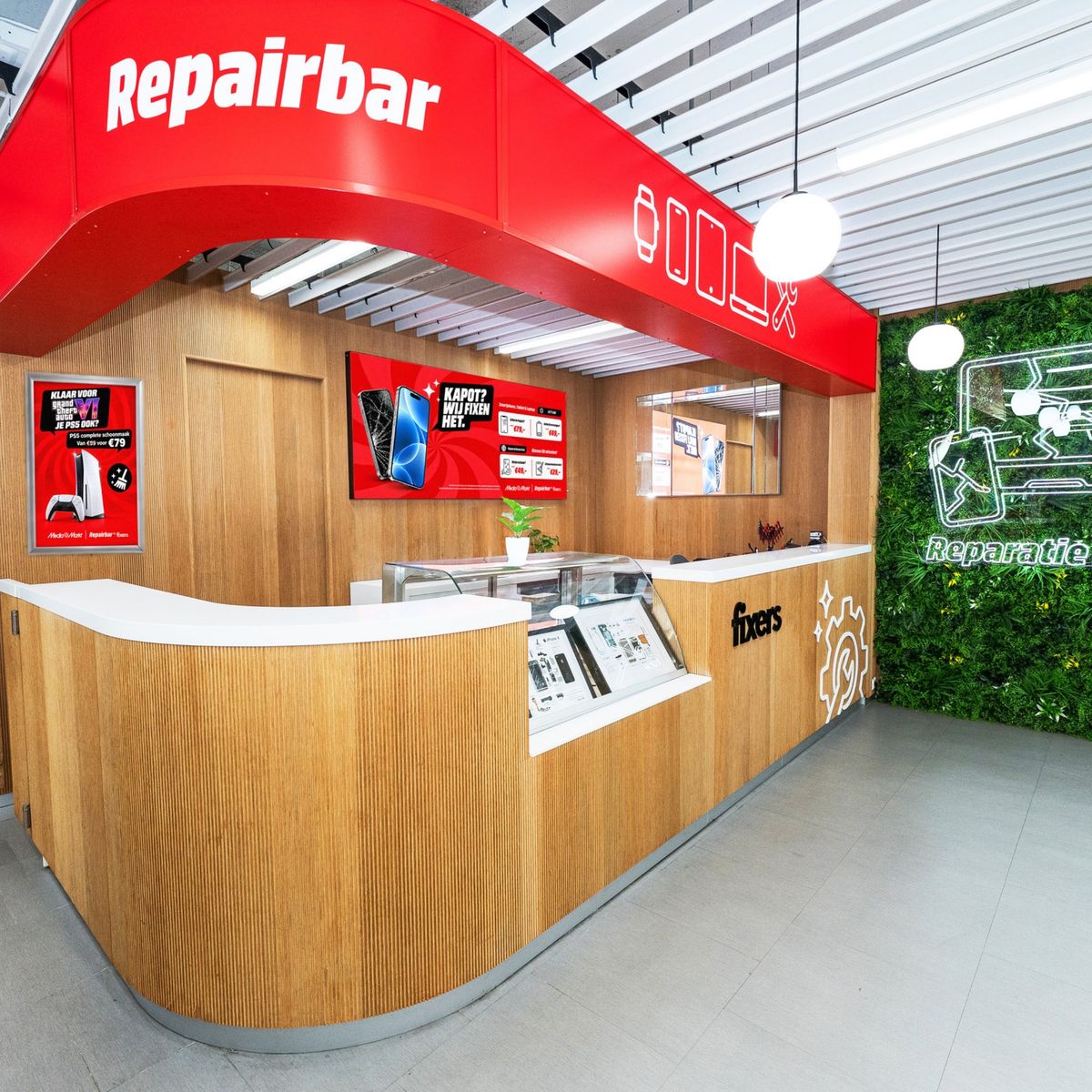
Bring it to a Repairbar as soon as possible and do not switch it on until then.
What not to do
Do not switch it on to see if it still works. Power and moisture together cause most of the damage.
No hair dryer or radiator. Too much heat damages the battery and the screen.
No rice. Rice does not remove the moisture inside.
Do not let it dry and forget about it. Coffee, tea and soft drinks leave sugar and acid behind. They slowly eat away at the parts, even if your MacBook still works now.
What does the technician do?
With the water damage service the technician opens your MacBook, cleans the motherboard and connectors, and dries everything. Then we check what still works. If something needs replacing, such as the keyboard or the battery, you hear what that costs first.
Price including VAT. If something needs replacing afterwards, you hear what it costs first. All MacBook models
A water damage service comes without warranty on a working device. Moisture can still cause problems later. Insured? Then first request a free quote for your insurer.
Frequently asked questions
My MacBook still works. Should I still come in?
Yes, if it was more than a few drops. Sugar and acid from drinks slowly attack the parts. It often only breaks weeks later.
Can you save my files?
Often yes, if your MacBook starts again after the treatment. We cannot guarantee it. So make regular backups with Time Machine or iCloud.
Let the Repairbar fix it
Choose your device and repair and see the price straight away. Fixers technicians repair it in the MediaMarkt store. You pay after the repair at the checkout.