In a laptop a fan blows air through a heat sink. After a few years that fills up with dust. The laptop can no longer get rid of its heat. The fan spins faster and the processor slows down so it does not get too hot.
The fan keeps running loudly, even with normal use
The bottom gets hot
Your laptop gets slow with heavier tasks
It switches off while gaming or on video calls
What you can do yourself
Use your laptop on a hard, flat surface, not on a bed or the sofa
Keep the vents clear
Close programs you are not using
The cleaning service
With the cleaning service the technician cleans the inside of your laptop: fan, heat sink and air channels. It then runs cooler and quieter again. Having something else repaired on your laptop? Then add the cleaning for a lower price.
Price on its own, including VAT. Together with another repair the cleaning costs less. Choose your own laptop
If the fan rattles or squeaks, it is worn and we replace it. You hear what that costs first.
Frequently asked questions
How often should I have my laptop cleaned?
When it gets noticeably warmer and louder. With daily use that is often after two to three years.
Will my files be kept?
Yes. A cleaning does not touch your files. Making a backup is always a good idea.
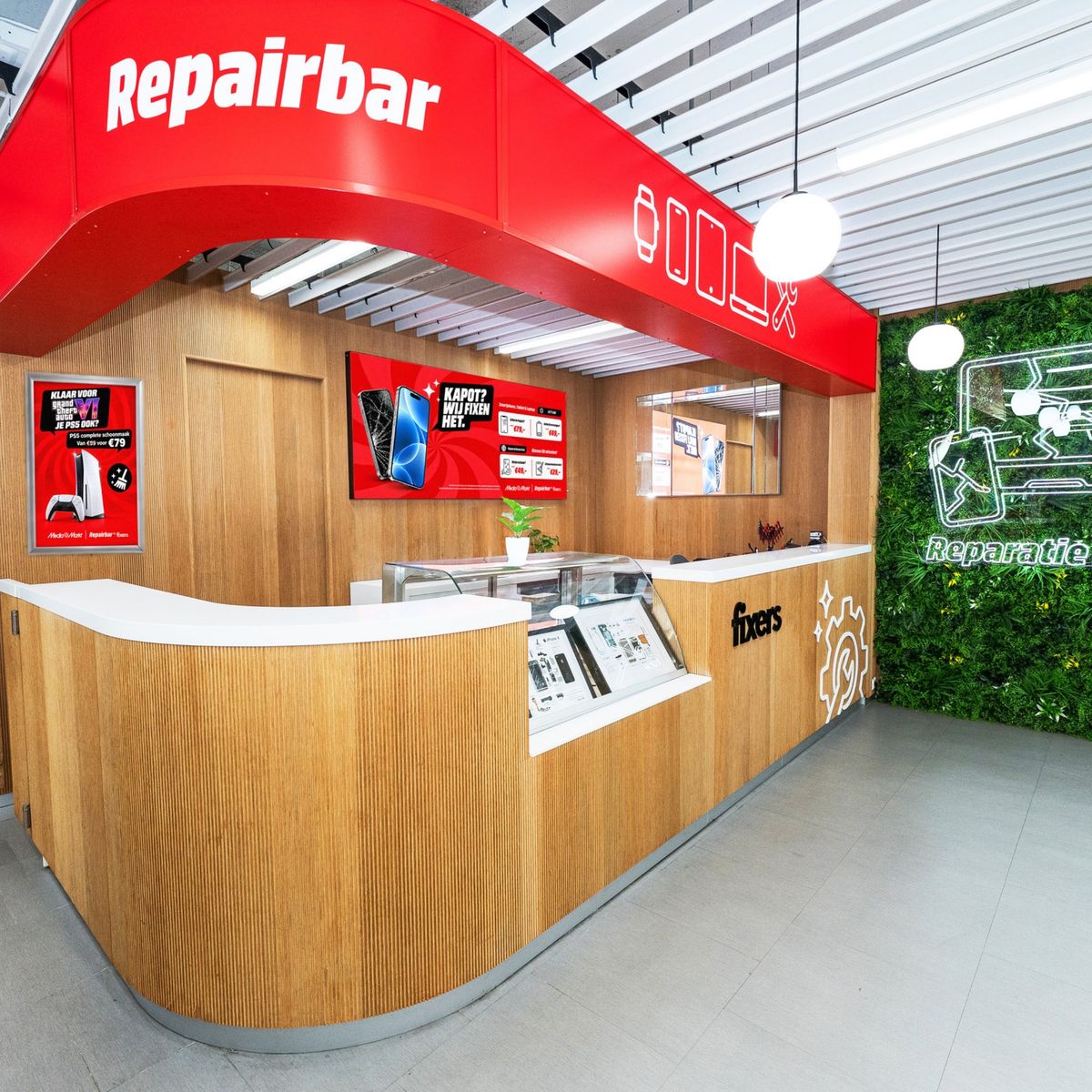
Let the Repairbar fix it
Choose your device and repair and see the price straight away. Fixers technicians repair it in the MediaMarkt store. You pay after the repair at the checkout.