Turn your laptop off immediately and unplug the charger.
Stand it open in an upside-down V, keyboard facing down, so the liquid can run out.
Do not turn it on to see if it still works. Power and liquid together cause most of the damage.
Bring it in as soon as possible. Sugar from soft drinks or coffee stays sticky and attacks the contacts.
Keys that stick or do not respond
Hold your laptop at an angle and blow away crumbs and dust with a can of compressed air.
Connect a separate USB keyboard. If that works fine, the built-in keyboard is broken.
Do other characters appear than the ones you type? First check in the settings that the right keyboard layout is selected.
If a key types twice or gets stuck, there is often dirt or liquid underneath.
On many laptops the keyboard is fixed into the top of the case. The technician then replaces the keyboard or the whole top part. He looks at your laptop first and gives you the price before starting.
Sometimes. If only the keycap or the little hinge underneath is broken, that can often be done separately. If the key itself no longer works, we replace the keyboard.
Will I lose my files?
No. A new keyboard does not touch your storage.
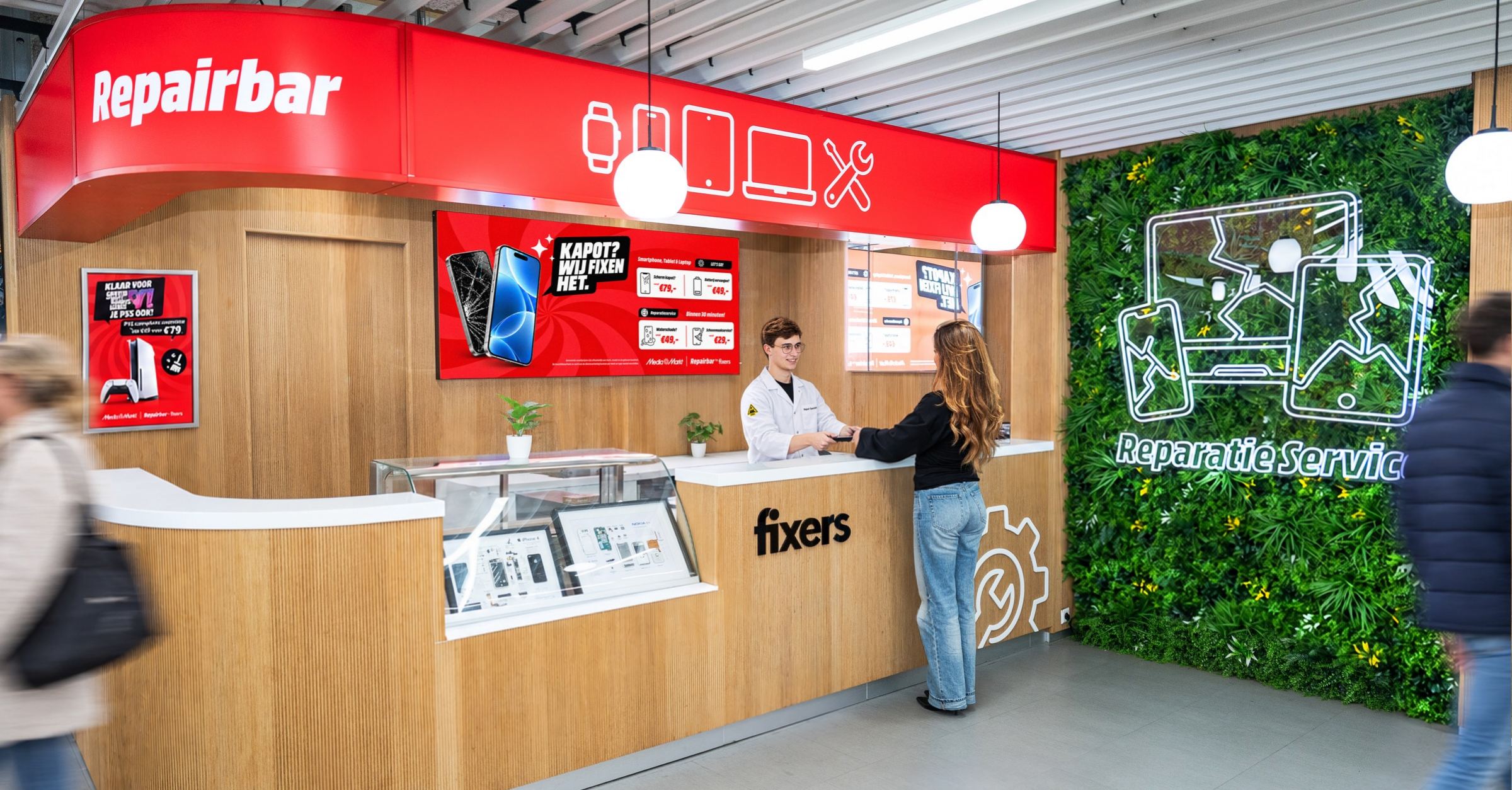
Let the Repairbar fix it
Choose your device and repair and see the price straight away. Fixers technicians repair it in the MediaMarkt store. You pay after the repair at the checkout.